 English
 Deutsch
All chapters
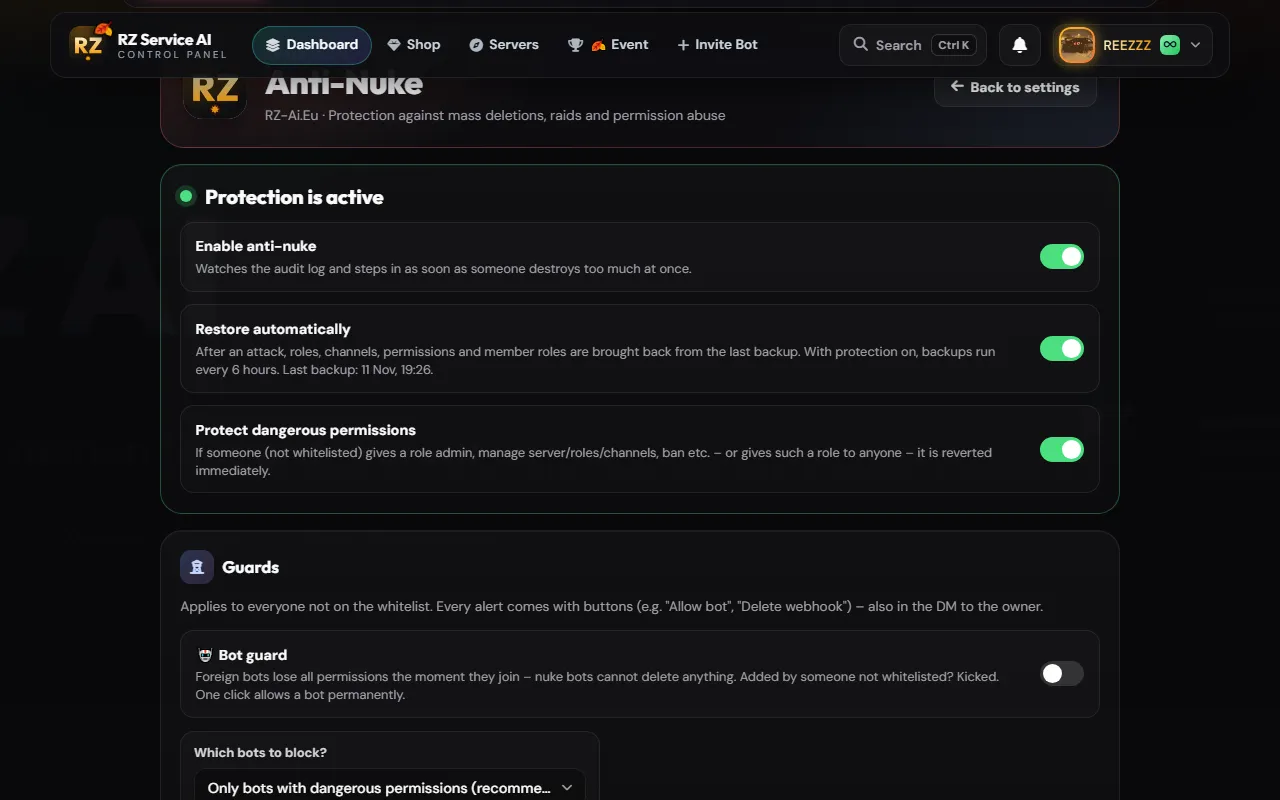
Anti-nuke
Stops mass deletions
Anti-nuke stops attacks where someone deletes many channels or roles or bans many people in a short time.
How to
- Open Anti-nuke and turn it on.
- Set the limits (e.g. how many deletions are allowed in a short time).
- Choose the punishment for the attacker (e.g. remove roles or ban).
- Add trusted people or bots as exceptions.
- Pick a channel for alerts.
Tips
RZ AI's role must be above the roles you want to protect.
Together with Backups you can restore deleted channels and roles.