 English
 Deutsch
All chapters
Role menus
Roles via buttons
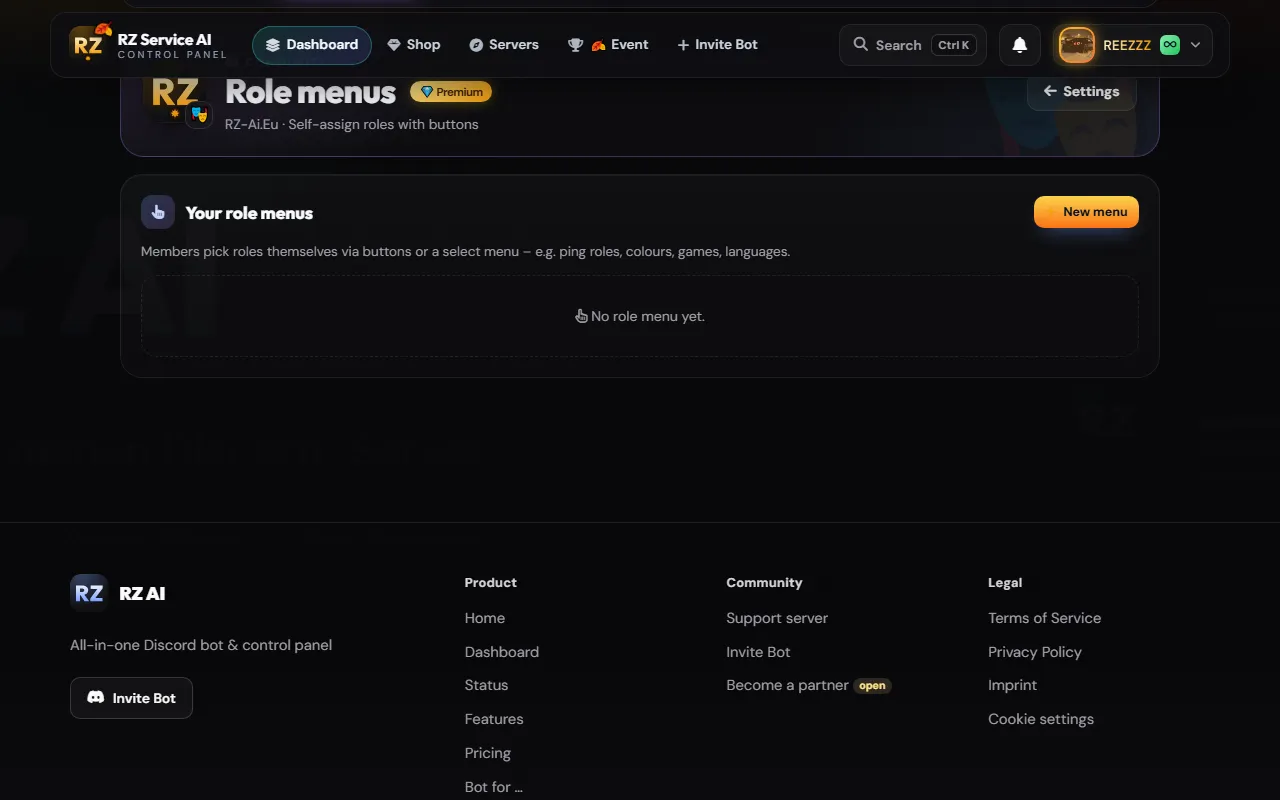
Role menus: members pick roles themselves via buttons or a select menu – for interests, pings or colours.
How to
- Open Role menus and create a new menu.
- Choose buttons or a select menu.
- Add the roles – with an emoji and short description.
- Pick the channel and send the menu.
Tips
RZ AI's role must be above the roles it gives out.