
 English
 Deutsch
All chapters
Giveaways
Giveaways
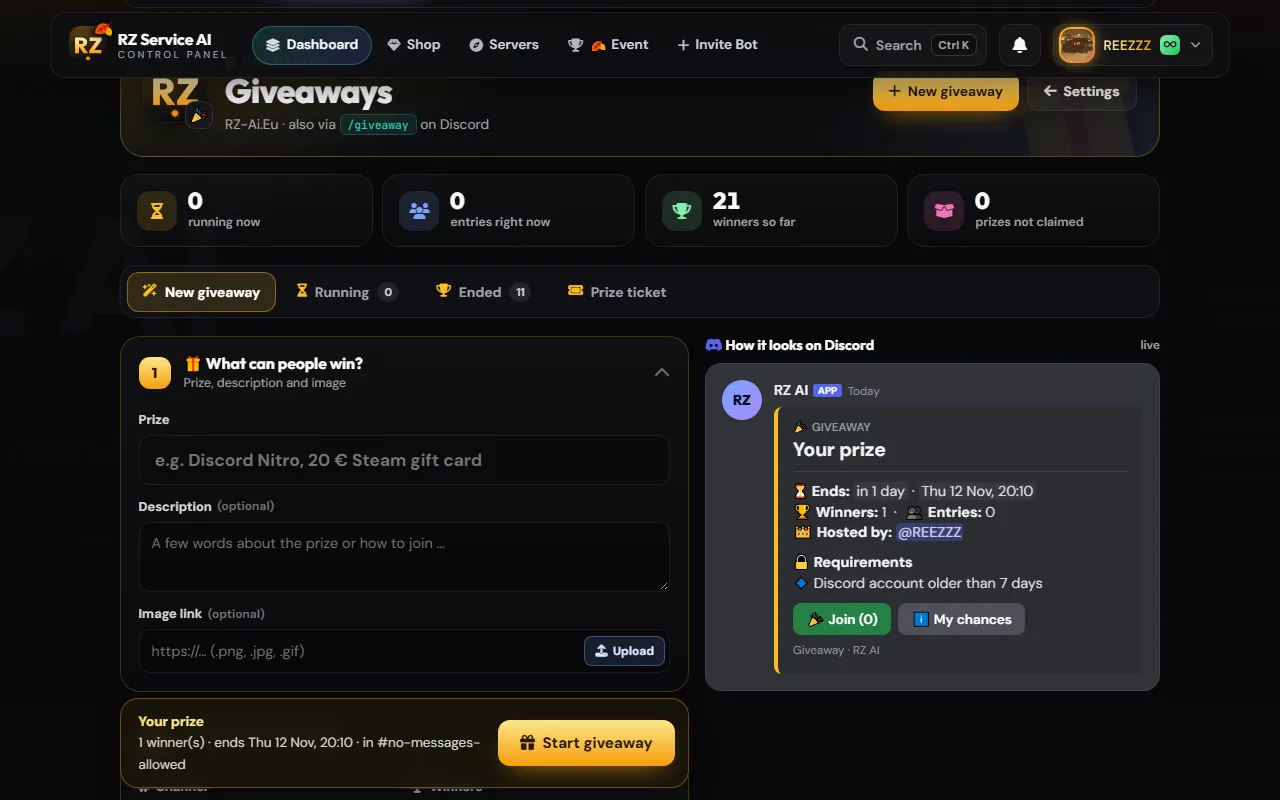
Giveaways with countdown, entry counter, requirements and prize ticket.
How to
- Open Giveaways and click New giveaway.
- Enter the prize, duration and number of winners.
- Optional: requirements like a role or a minimum account age.
- Turn on prize ticket – winners then open a ticket with all details via a button.
- Start – the bot draws the winners automatically.
Tips
You can customise the look of the prize ticket.
Also via command: /giveaway.