
 English
 Deutsch
All chapters
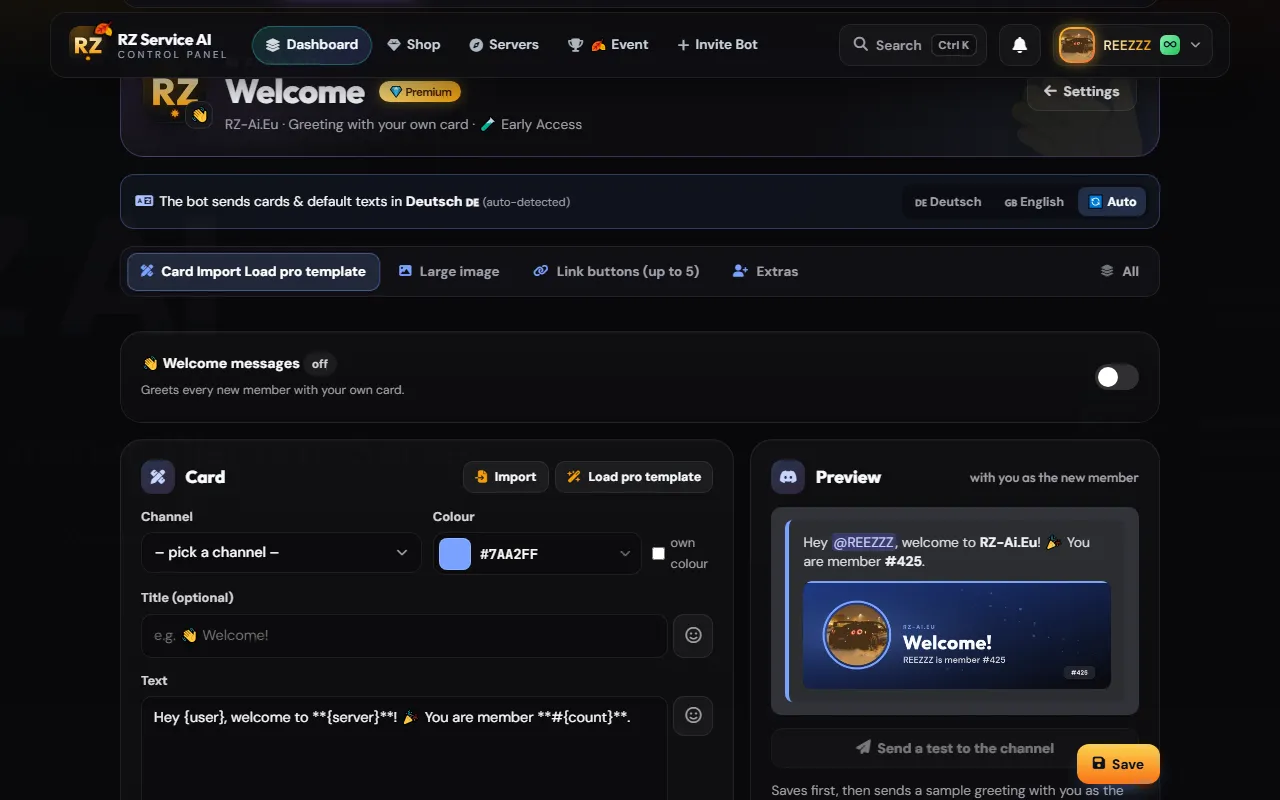
Welcome
Greeting with banner
Greet new members with a nice message, an image and an automatic role.
How to
- Open Welcome and turn it on.
- Pick the channel for the greeting.
- Write your text – placeholders like
{user}and{server}are replaced automatically. - Design the banner and check the preview.
- Optional: choose an auto role every new member gets.
Tips
A goodbye message is possible too.