
 English
 Deutsch
All chapters
Tickets
Support tickets
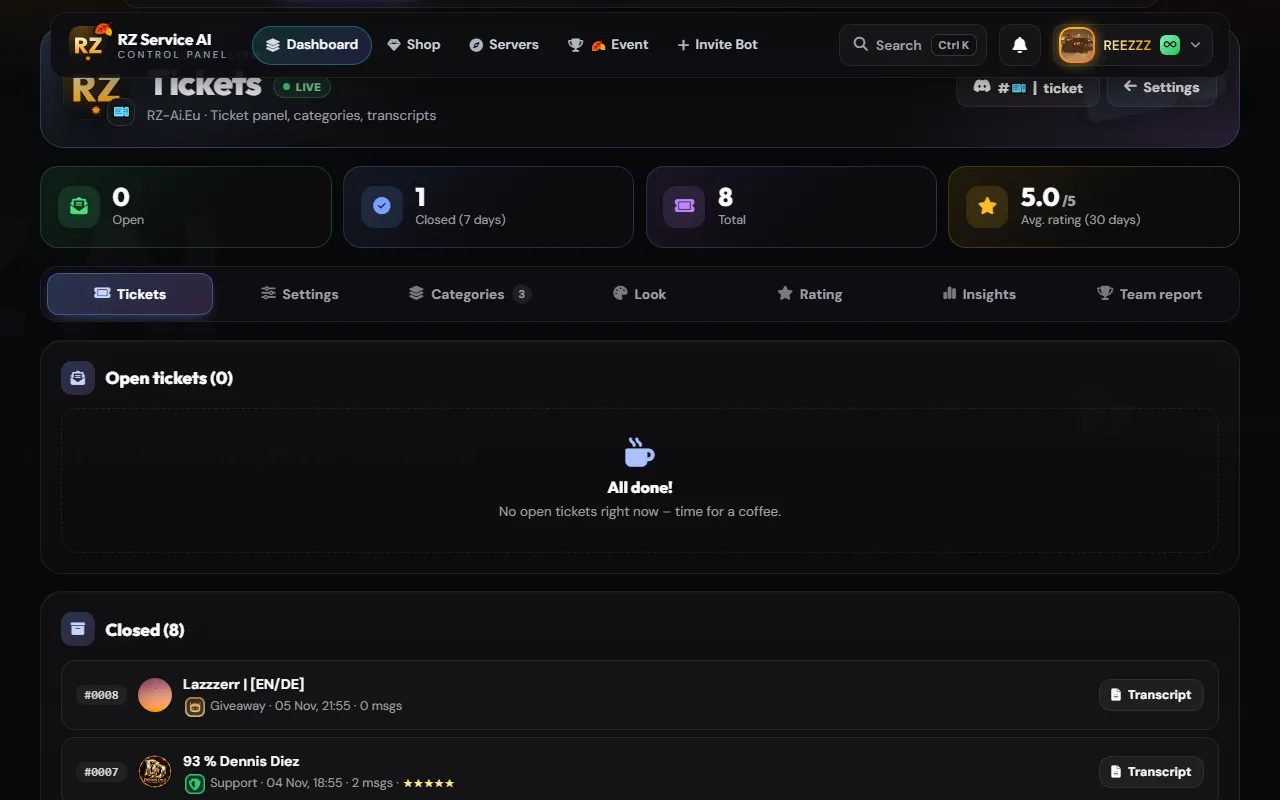
Support tickets with categories, forms, opening hours, transcripts and ratings.
How to
- Open Tickets and turn them on.
- Create categories (e.g. support, application, report) – each with its own team, form and optional opening hours.
- Under Look, design the ticket panel and the card shown when a ticket opens.
- Pick a channel for transcripts and turn on ratings if you like.
- Send the ticket panel to your support channel.
Tips
With opening hours a category can only be open e.g. from 6–8 pm.
The team report tab shows who handled how many tickets.