
 English
 Deutsch
All chapters
Verify
Verification & captcha
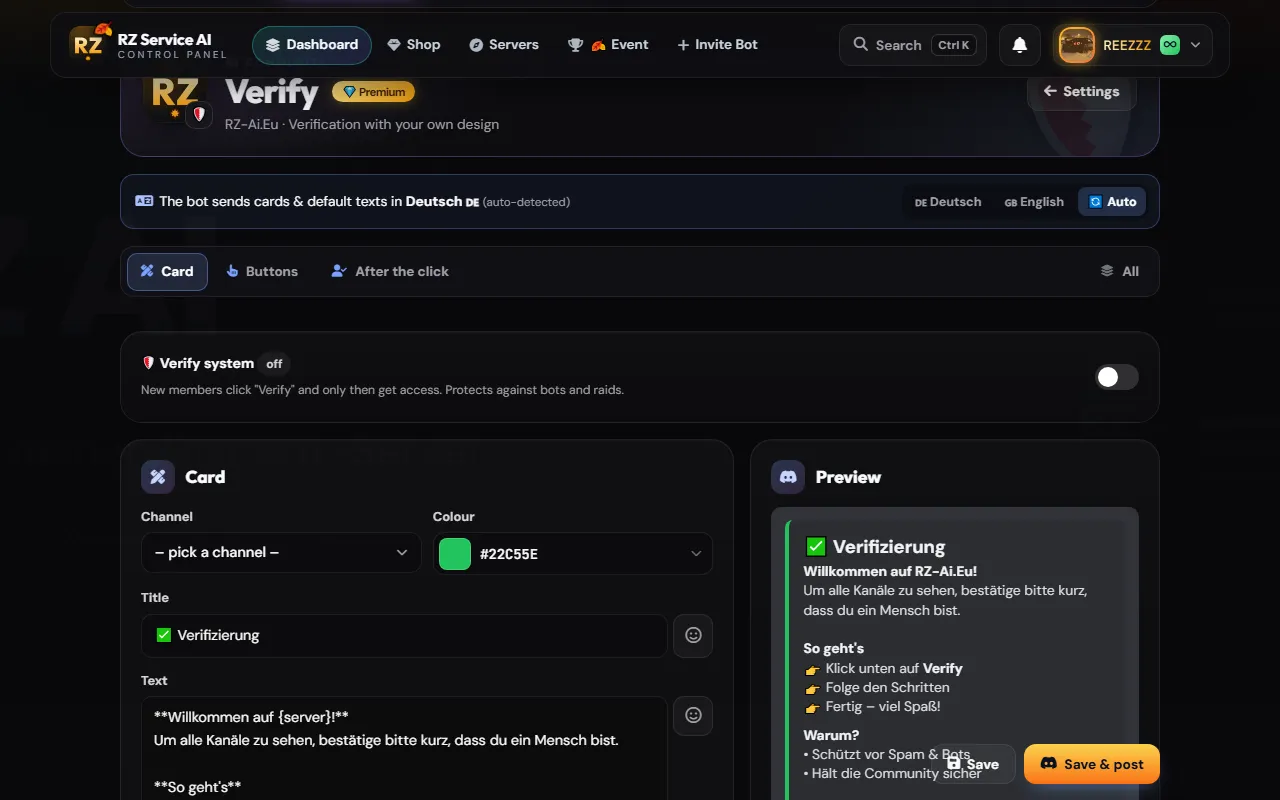
Verify keeps bots and raiders out: new members unlock themselves via a button or captcha.
How to
- Open Verify and turn it on.
- Choose the role people get after verifying.
- Choose the type: simple button or captcha.
- Pick the channel and send the verify message.
- Set channel permissions so people without the role only see the verify channel.
Tips
The server check shows whether the permissions are right.