
 English
 Deutsch
All chapters
Changelog
Write updates & post them on Discord
Write updates for your server and let the bot post them as a nice card.
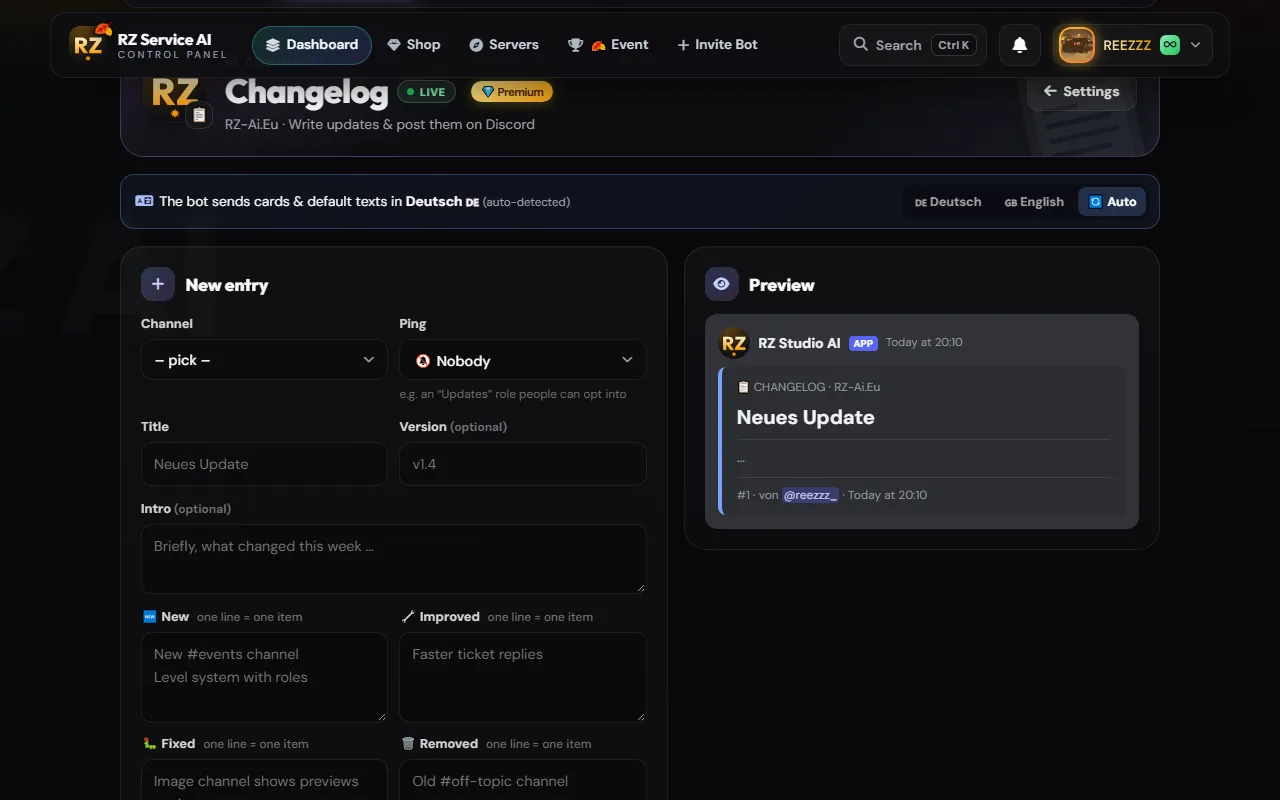
How to
- Open Changelog.
- Pick the channel and optionally a role to ping.
- Enter title and version and write the items under New, Improved, Fixed or Removed – one line per item.
- The preview is on the right – then click Post.
Tips
All entries stay in the history. If you edit one, the Discord message changes too.