
 English
 Deutsch
All chapters
Custom commands
Build your own slash commands with a card
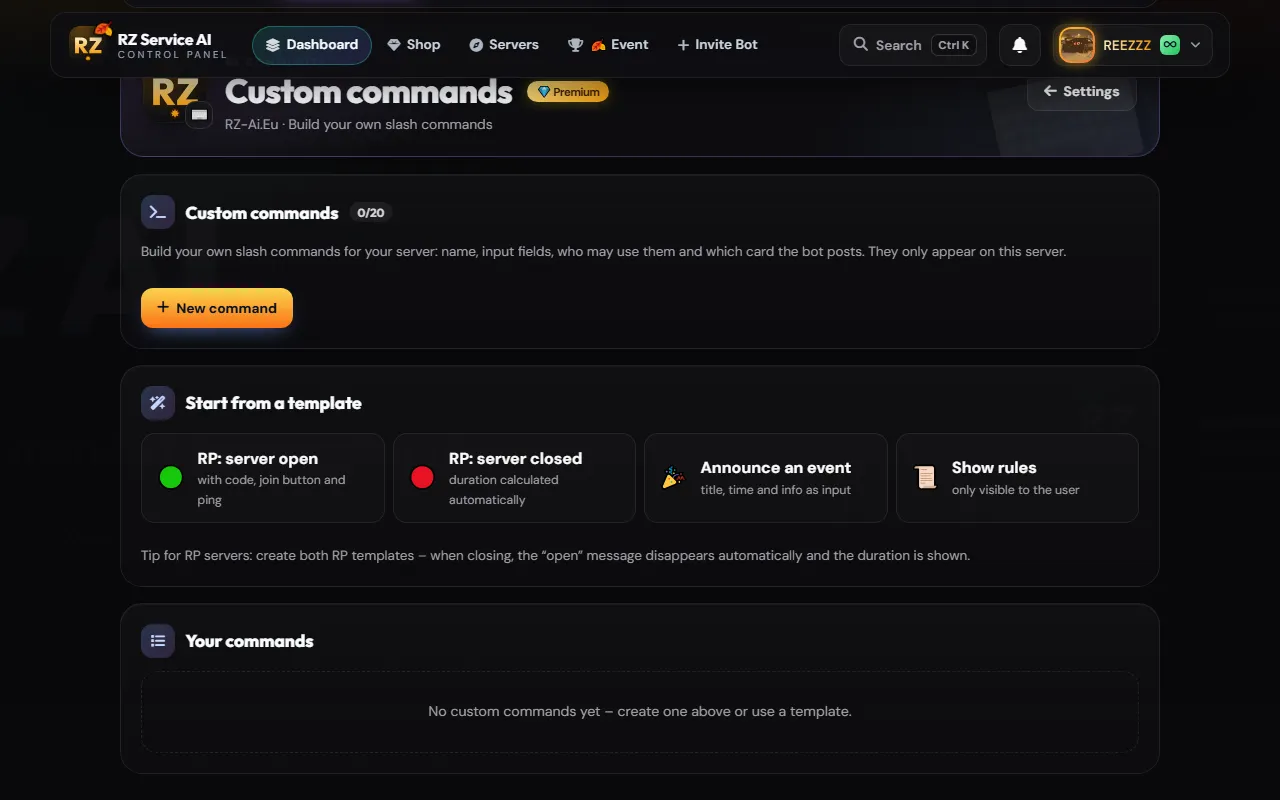
Build your own slash commands for your server – e.g. /rules, /event or /serveropen – with a nice card as the answer.
How to
- Open Custom commands and create a new command – or start from a template (rules, event, RP server open/close).
- Enter a name and description – that is how it shows up in Discord's command menu.
- Add options if needed that people fill in when running it (e.g. title, time).
- Design the answer card – placeholders like
{user},{server}or your options are replaced. - Choose whether only the team may use the command and whether the answer is only visible to the user.
Tips
Up to 20 custom commands per server.
New commands usually show up in Discord within a few seconds.