 English
 Deutsch
All chapters
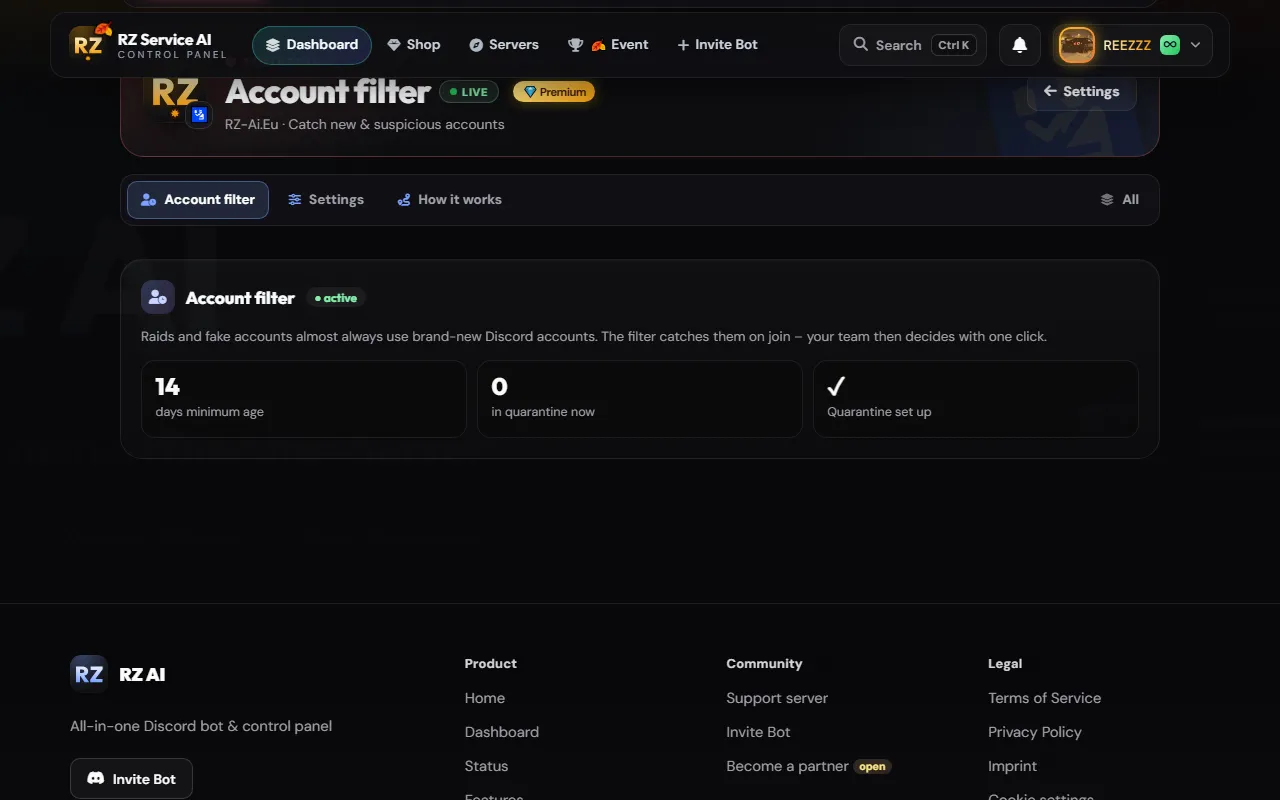
Account filter
Catch new & suspicious accounts
The account filter catches brand-new or suspicious Discord accounts on join – typical for raids and fake accounts.
How to
- Open Account filter and turn it on.
- Choose the minimum age of the Discord account (recommended: 7 days) and whether a profile picture is required.
- Choose what happens: quarantine, kick (with a friendly DM) or report only.
- Pick a channel where your team gets the alerts.
- For quarantine: click Set up quarantine – the bot creates a role and channel and hides all other channels for that role.
Tips
In the alert your team decides with one click: Let in, Kick or Ban.
With "Release automatically" an account gets in by itself once it is old enough.