 English
 Deutsch
All chapters
Knowledge base
What the AI knows about your server
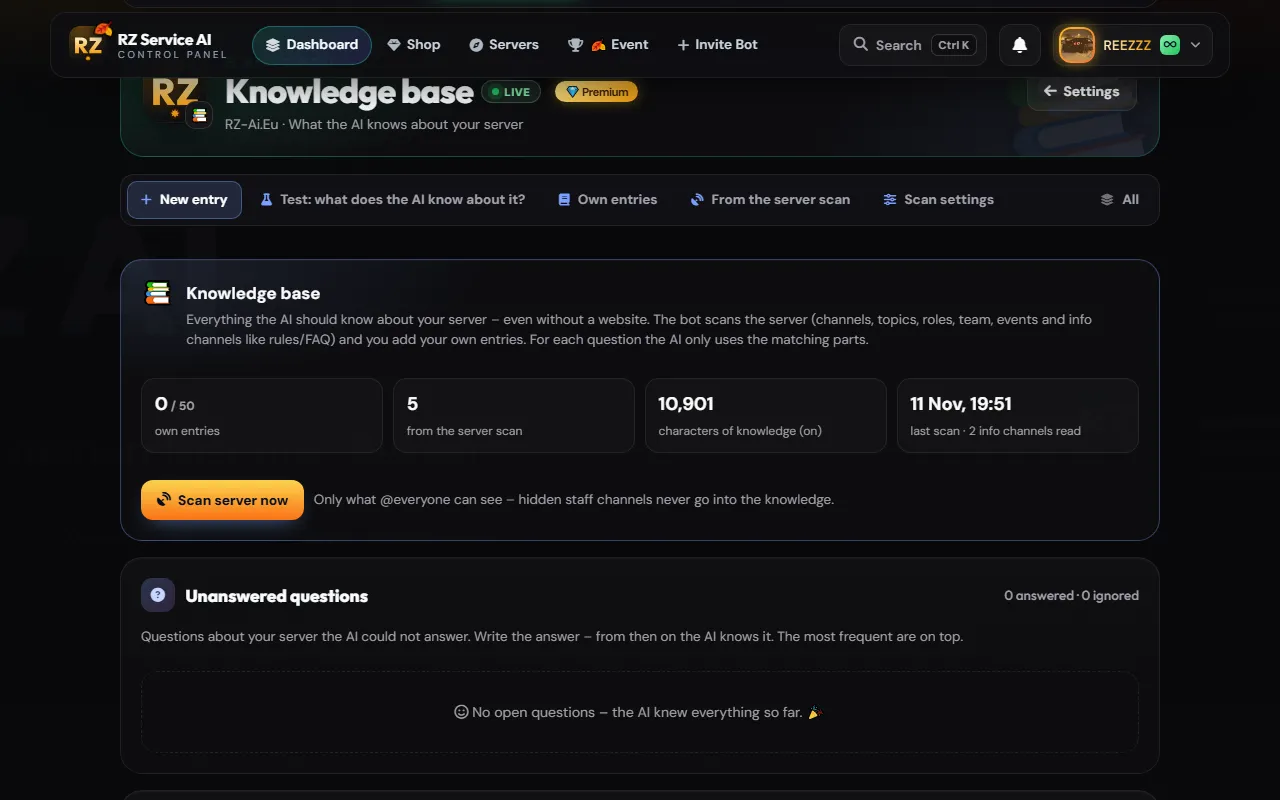
The knowledge base is everything the AI knows about your server – even without your own website.
How to
- Open Knowledge base and click Scan server now – the bot reads channels, topics, roles, team, events and info channels like #rules or #faq.
- Add your own entries: a title (e.g. "How do I apply?") and the answer in plain sentences.
- Or take over a whole channel as an entry – handy for rules or FAQ.
- Under Unanswered questions you see what the AI did not know – write the answer and it knows it from now on.
- Use Test to check what the AI finds for a question.
Tips
Turn on Scan automatically every day – the AI then knows new channels and rules by itself.
Only what @everyone can see goes into the knowledge. Hidden team channels stay private.