
 English
 Deutsch
All chapters
Maintenance & status
One-click maintenance, status alarm
One-click maintenance and an alarm when many people ask about the status.
How to
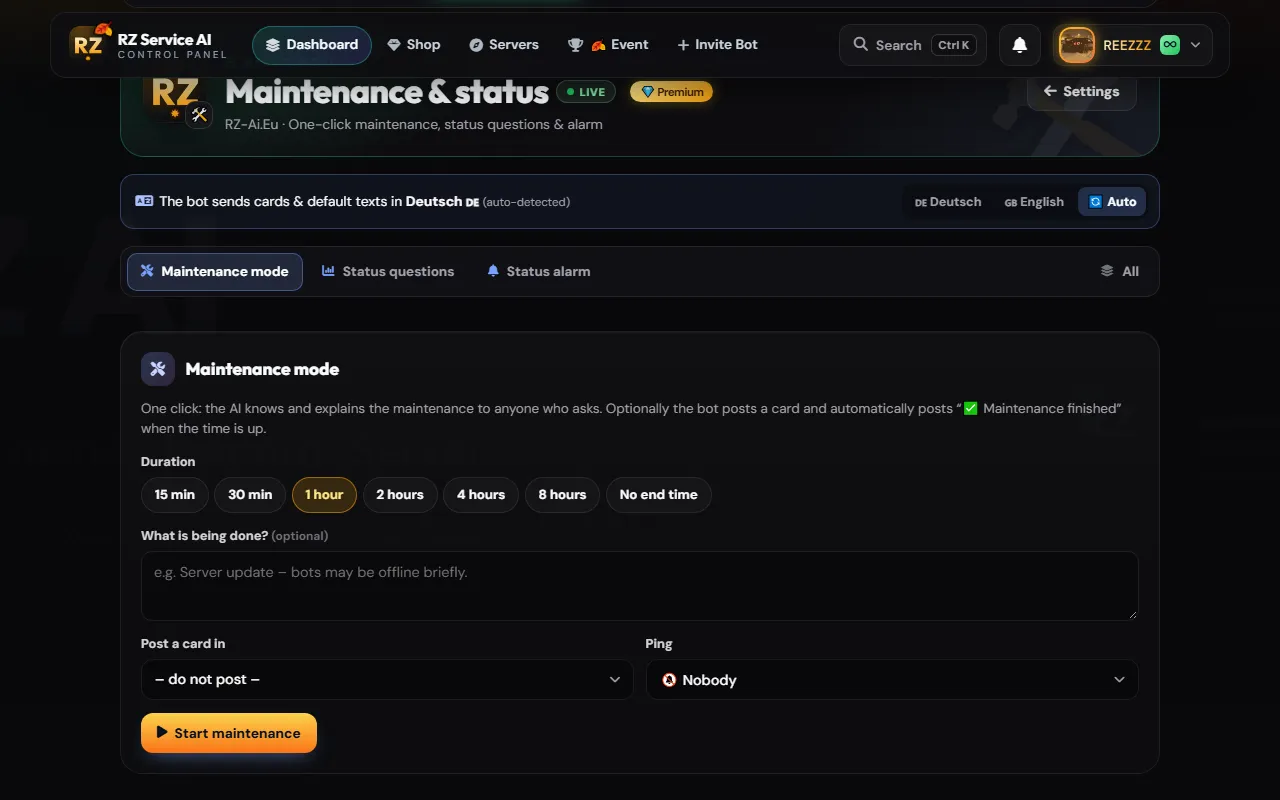
- Open Maintenance & status.
- Pick the duration, optionally write what is being done and choose a channel for the card.
- Click Start maintenance – the AI explains it to anyone who asks from now on.
- When the time is up, the bot posts “✅ Maintenance finished”. You can also extend or end early.
- Under Status alarm you set when the team gets pinged if many people ask about the status.
Tips
If your website is in the website knowledge, the bot checks it live on status questions.