
 English
 Deutsch
All chapters
24/7 voice channel
Bot chills in a voice channel
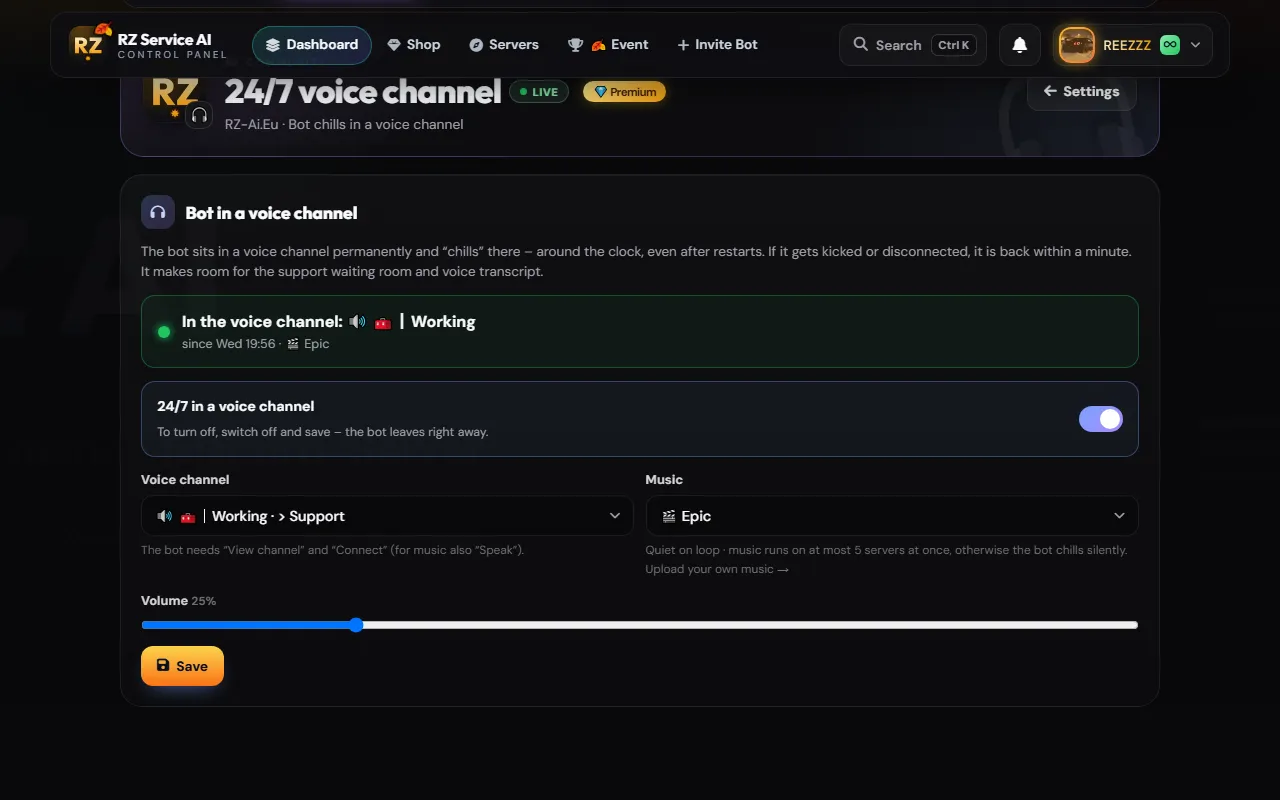
The bot sits in a voice channel around the clock – with quiet music if you like.
How to
- Open 24/7 voice channel.
- Turn it on and pick the voice channel.
- Choose music (or none) and the volume.
- Save – the bot joins right away and after every restart.
Tips
It makes room for the support waiting room and voice transcript and comes back afterwards.